Universal Seal · SKU: thfpt189
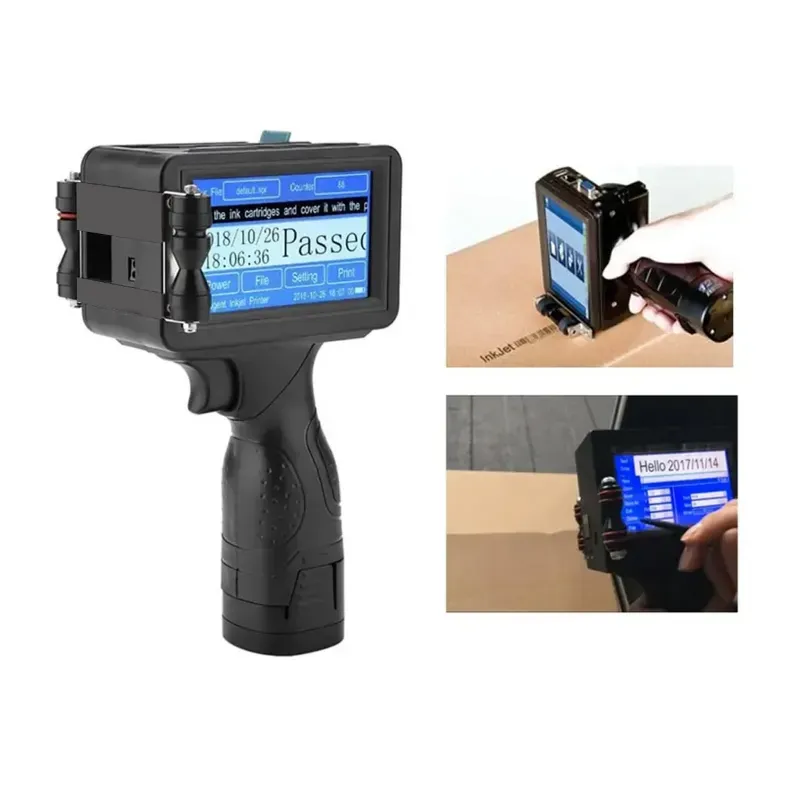
Universal Seal High Speed 12.7 mm with Solvent Cartridge Plastic TIJ Printer with Dual Core Processor for Date MRP Printing
In Stock
₹7,919₹9,999-21% OFF
Bulk Pricing Tiers
🚚
Free Delivery
Orders above ₹2,000
📋
GST Invoice
Instant download
🔄
Easy Returns
7-day policy
⭐
Quality Checked
Verified listing
| Brand | Universal Seal |
| Weight (Approx.) | 0.8 kg |
| Screen Size | 4.3 inch (3.5cm x 2.5cm approx.) |
| Body Material | Hard Plastic |
| Processor Type | Dual Core |
| Printing Area | 12.7 mm (height) |
| Cartridge Type | Solvent Based |
| Cartridge Colour | Black |
| DPI | Variable |
| Line Length | One Line 10 cm length |
| Max Lines | 4 Lines (as per 2mm printing head) |
| No of Lines | 4 (Approx) |
| Cartridge | 1 Pc (Included) |
| Packaging Box | Cartoon Box |
| Positioning Plate | Plastic |
| High-Speed Printing | Optimized for fast and efficient marking on moving production lines or individual items. |
| 12.7mm Print Height | Capable of printing text, numbers, with a maximum height of 12.7mm. |
| Solvent-Based Ink | Uses a solvent-based black ink cartridge that dries quickly and offers good adhesion on non-porous surfaces like plastic. |
| 4.3-inch Touchscreen | Features a color touchscreen display for intuitive operation, message editing, and parameter adjustments. |
| Multi-Line Printing | Can print up to 4 lines of text, depending on the character height (e.g., 2mm printing head). The maximum line length is 10 cm for a single line. |
| Variable DPI | Allows adjustment of the print resolution (DPI) to optimize print quality and ink consumption. |
| Compact and Portable | The hard plastic body makes it relatively lightweight and easy to handle for manual operation. |
| Included Cartridge | Comes with one black solvent-based ink cartridge to get you started. |
| Food and Beverage Packaging | Printing expiry dates, manufacturing dates, and batch codes on plastic bottles, pouches, and containers. |
| Pharmaceutical Packaging | Marking lot numbers, expiry dates, and other traceability information on plastic blister packs and vials. |
| Cosmetics and Personal Care Products | Printing date codes and product information on plastic bottles, tubes, and jars. |
| Electronics Manufacturing | Marking product codes, serial numbers, and logos on plastic components and housings. |
| Industrial Products | Applying identification marks, date codes, and logos on various plastic parts and products. |
| DIY and Crafting | Marking plastic materials with custom designs or text. |
| Initial Setup and Calibration | Upon receiving the printer, carefully unpack all components. Follow the manufacturer's instructions to perform the initial calibration using the touchscreen interface. This step is crucial for accurate printing. |
| Cartridge Installation | Open the cartridge compartment and insert the included black solvent-based ink cartridge. Ensure it is properly seated and locked into place. |
| Power On | Connect the printer to a power source and turn it on. |
| Message Creation and Editing | Use the 4.3-inch touchscreen to create or edit the desired print message. You can input text, numbers, and potentially upload logos (refer to the manual for supported file formats). Adjust font size, style, and line spacing as needed. |
| Parameter Setting | Configure printing parameters such as DPI, print speed, and trigger mode (e.g., manual trigger, sensor trigger for automated lines). |
| Positioning | Use the included plastic positioning plate to help align the printer accurately with the surface to be printed. For handheld operation, ensure a stable and consistent movement for clear printing. For integration into a production line, mount the printer appropriately and configure triggering. |
| Printing | Once the message and parameters are set, trigger the printing process. For handheld use, press the print button and move the printer smoothly along the surface. For automated lines, the printer will be triggered by a sensor or encoder. |
| Cartridge Replacement | When the ink cartridge is depleted, replace it with a new solvent-based cartridge of the appropriate size and color (if color printing is desired). Ensure the new cartridge is installed correctly. |
| Power Off | When finished printing, turn off the printer and store it in a safe place. |
| Cartridge Care | Store ink cartridges in a cool, dry place when not in use. Avoid exposing them to extreme temperatures or direct sunlight, as this can affect ink quality and nozzle performance. |
| Nozzle Cleaning | If print quality deteriorates (e.g., streaky or missing lines), the printhead nozzles on the cartridge may be clogged. Some printers have an automatic cleaning function accessible through the touchscreen. If not, carefully wipe the nozzle area with a lint-free cloth dampened with a recommended cleaning solution (usually specific to solvent-based inks). Refer to the manual for detailed cleaning instructions. |
| Printer Body Cleaning | Wipe the exterior of the printer body with a soft, dry cloth to remove dust and debris. Avoid using harsh chemicals or solvents that could damage the plastic. |
| Regular Checks | Periodically inspect the cartridge compartment and connections to ensure they are clean and functioning correctly. |
| Software Updates (if applicable) | Check the manufacturer's website for any software updates that might improve performance or add features. Follow the instructions for updating the firmware.Precautionary Guidance: |
| Solvent Ink Handling | Solvent-based inks can have strong odors and may be flammable. Use the printer in a well-ventilated area. Avoid contact with skin and eyes. Wear appropriate personal protective equipment (e.g., gloves, eye protection) if prolonged use or potential for spills is anticipated. Refer to the Safety Data Sheet (SDS) of the ink cartridge for detailed safety information. |
| Electrical Safety | Ensure the printer is connected to a stable and appropriate power source. Avoid using damaged power cords. |
| Avoid Impacts | Handle the printer with care to avoid dropping or impacting it, which could damage the internal components or the printhead. |
| Temperature Limits | Do not operate or store the printer in extreme temperatures outside the manufacturer's specified range. |
| Keep Away from Liquids | Avoid getting liquids inside the printer body, as this can cause electrical damage. |
| Cartridge Compatibility | Only use ink cartridges that are specifically designed and compatible with this printer model. Using incorrect cartridges can damage the printer. |
| Calibration | Ensure proper calibration is performed, especially after initial setup or firmware updates, to maintain print accuracy. |
| Read the Manual | Always refer to the user manual provided by the manufacturer for detailed operating instructions, troubleshooting tips, and specific safety guidelines. |
⚖️
Deciding between a few options?
Add this product to compare it side-by-side with similar items.
About Universal Seal High Speed 12.7 mm with Solvent Cartridge Plastic TIJ Printer with Dual Core Processor for Date MRP Printing
Universal Seal High Speed 12.7 mm with Solvent Cartridge Plastic TIJ Printer with Dual Core Processor for Date MRP Printing is listed under Coding Machine in Food Packaging Tools on ToolHaat, supplied by Universal Seal. Key specifications include weight (approx.) 0.8 kg, screen size 4.3 inch (3.5cm x 2.5cm approx.), body material Hard Plastic, processor type Dual Core, printing area 12.7 mm (height). ToolHaat sells to businesses with GST invoicing, bulk-quantity pricing and delivery across India.
Universal Seal High Speed 12.7 mm with Solvent Cartridge Plastic TIJ Printer with Dual Core Processor for Date MRP Printing specifications
| Weight (Approx.) | 0.8 kg |
|---|---|
| Screen Size | 4.3 inch (3.5cm x 2.5cm approx.) |
| Body Material | Hard Plastic |
| Processor Type | Dual Core |
| Printing Area | 12.7 mm (height) |
| Cartridge Type | Solvent Based |
| Cartridge Colour | Black |
| DPI | Variable |
| Line Length | One Line 10 cm length |
| Max Lines | 4 Lines (as per 2mm printing head) |
| No of Lines | 4 (Approx) |
| Cartridge | 1 Pc (Included) |
FAQs related to Universal Seal High Speed 12.7 mm with Solvent Cartridge Plastic TIJ Printer with Dual Core Processor for Date MRP Printing
What if Universal Seal High Speed 12.7 mm with Solvent Cartridge Plastic TIJ Printer with Dual Core Processor for Date MRP Printing doesn’t match the specifications on the listing?
+
Contact ToolHaat support with your order ID if Universal Seal High Speed 12.7 mm with Solvent Cartridge Plastic TIJ Printer with Dual Core Processor for Date MRP Printing doesn’t match the listed specifications. Given production-line dependency on packaging supplies, replacement requests in this category are handled on priority.
Can we set up recurring supply of Universal Seal High Speed 12.7 mm with Solvent Cartridge Plastic TIJ Printer with Dual Core Processor for Date MRP Printing for our production schedule?
+
Yes — recurring Universal Seal High Speed 12.7 mm with Solvent Cartridge Plastic TIJ Printer with Dual Core Processor for Date MRP Printing procurement for a fixed production schedule is one of the most common ToolHaat use cases in this category. Contact our sales team to set up a standing order with predictable bulk pricing.
Is Universal Seal High Speed 12.7 mm with Solvent Cartridge Plastic TIJ Printer with Dual Core Processor for Date MRP Printing suitable for food-grade or FMCG packaging lines?
+
Check the specifications on each Universal Seal High Speed 12.7 mm with Solvent Cartridge Plastic TIJ Printer with Dual Core Processor for Date MRP Printing listing for food-grade compliance and material details relevant to your production line — vendors on ToolHaat specify certifications and materials used where applicable.
Does ToolHaat provide GST invoices for Universal Seal High Speed 12.7 mm with Solvent Cartridge Plastic TIJ Printer with Dual Core Processor for Date MRP Printing purchases?
+
Yes — every Universal Seal High Speed 12.7 mm with Solvent Cartridge Plastic TIJ Printer with Dual Core Processor for Date MRP Printing order generates a GST invoice automatically, which food processing and packaging businesses can use for standard procurement and tax documentation.
What quality checks apply to Universal Seal High Speed 12.7 mm with Solvent Cartridge Plastic TIJ Printer with Dual Core Processor for Date MRP Printing before it ships?
+
Vendors listing Universal Seal High Speed 12.7 mm with Solvent Cartridge Plastic TIJ Printer with Dual Core Processor for Date MRP Printing on ToolHaat are verified, and products are checked against listed specifications before dispatch. For production-critical packaging, our team can arrange sample verification before a large order is confirmed.
Related Products
View All →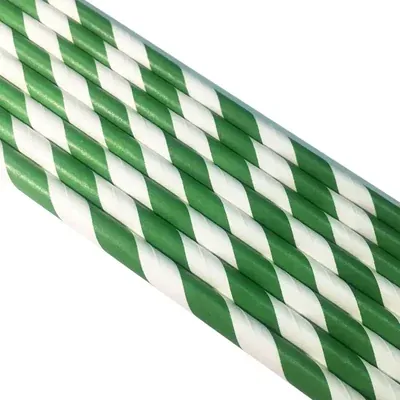
-13%
13 mm Disposable Rice Straw for Picnic, Travel, Food Truck (Pack-3000)
₹9,108₹10,500
MOQ: 1 unit
-27%
Generic
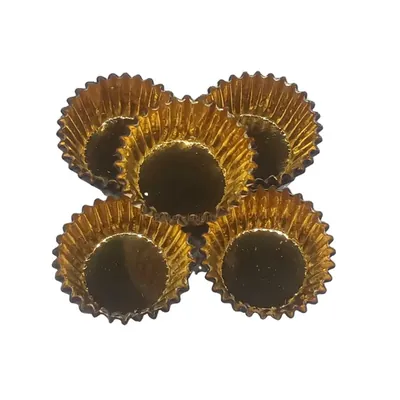
1000 Pcs, 30 x 18.5 Premium Royal Golden Inside Disposable Baking Cupcake Liners For Wedding, Birthday, Baby Shower
₹2,900₹3,999
MOQ: 1 unit
-24%
Sevana
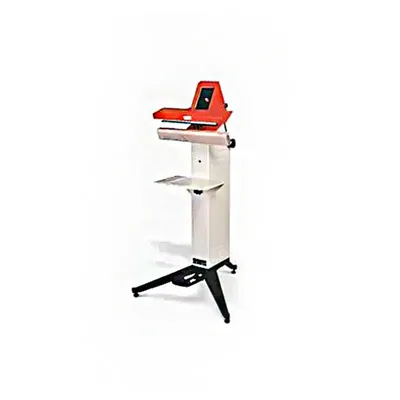
Sevana P.B.SEALER 200 FP Foot sealer with 200 mm Sealing Length for Bulk Food Packaging
₹29,699₹38,998
MOQ: 1 unit
-29%
Generic
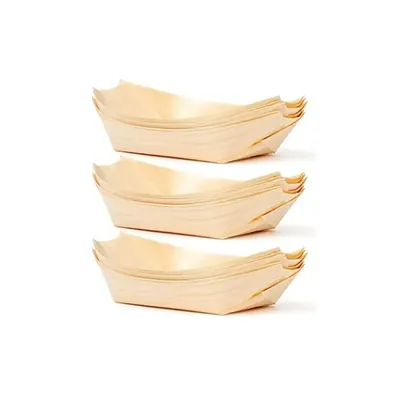
3 Inch Pinewood Boat Serving Tray Disposable Eco-Friendly Wooden Appetizer Boat for Snacks, Sushi, Starters, Desserts (Pack-50 pcs)
₹425₹599
MOQ: 1 unit
-51%
Generic
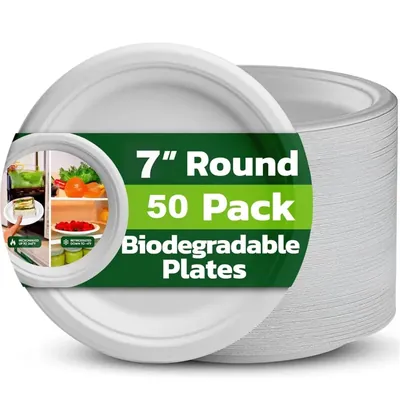
7 Inch White Round Bagasse Plate for Food Serving, Party and Outing Events (Pack-50 Pcs)
₹247₹499
MOQ: 5 units
-15%
Generic
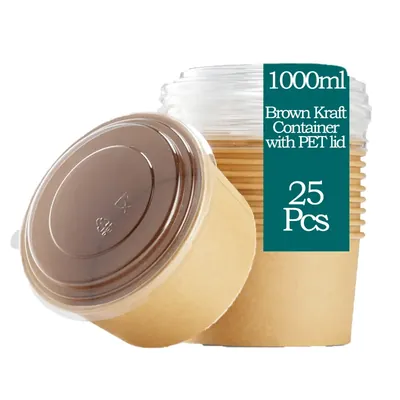
1000 ml Brown Kraft Paper Tubs with Transparent PET Lid (Pack-25 pcs)
₹633₹749
MOQ: 1 unit

-93%
Generic
Brown & Gold Waterproof Marble Flower Wrapping Paper Sheets, 20 Pcs, Pack of 2, Includes 3 Pull Bow Ribbons
₹573₹7,995
MOQ: 1 unit
-26%
BOSS PACK
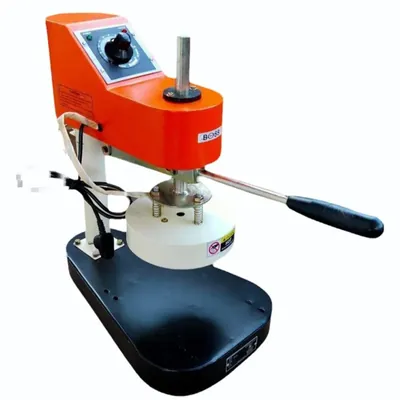
BOSS PACK 190 mm Sealing Diameter Foil Sealer
₹8,909₹12,000
MOQ: 1 unit
You are viewing: Food Packaging Tools › Universal Seal High Speed 12.7 mm with Solvent Cartridge Plastic TIJ Printer with Dual Core Processor for Date MRP Printing